01
GenStudio
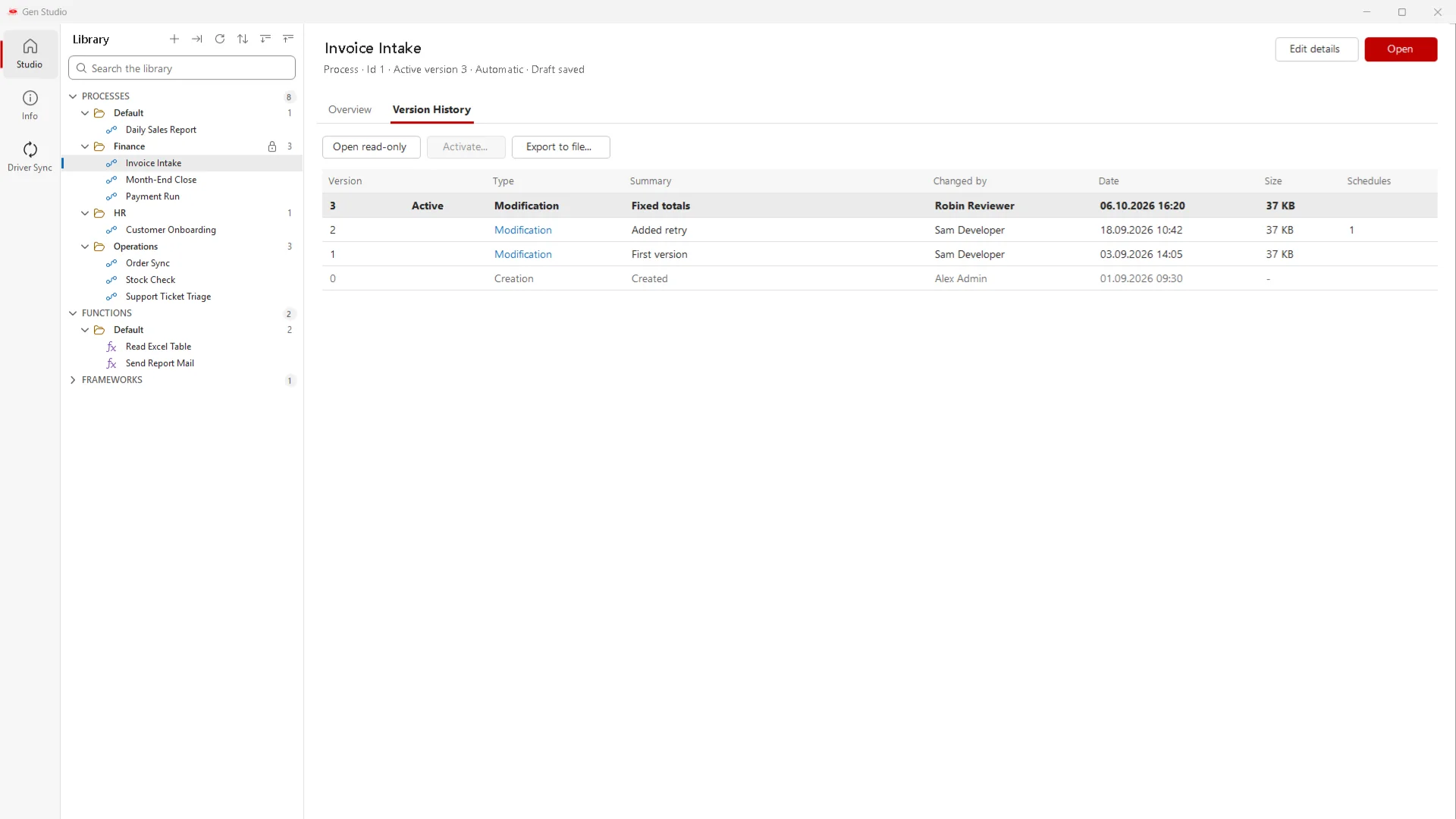
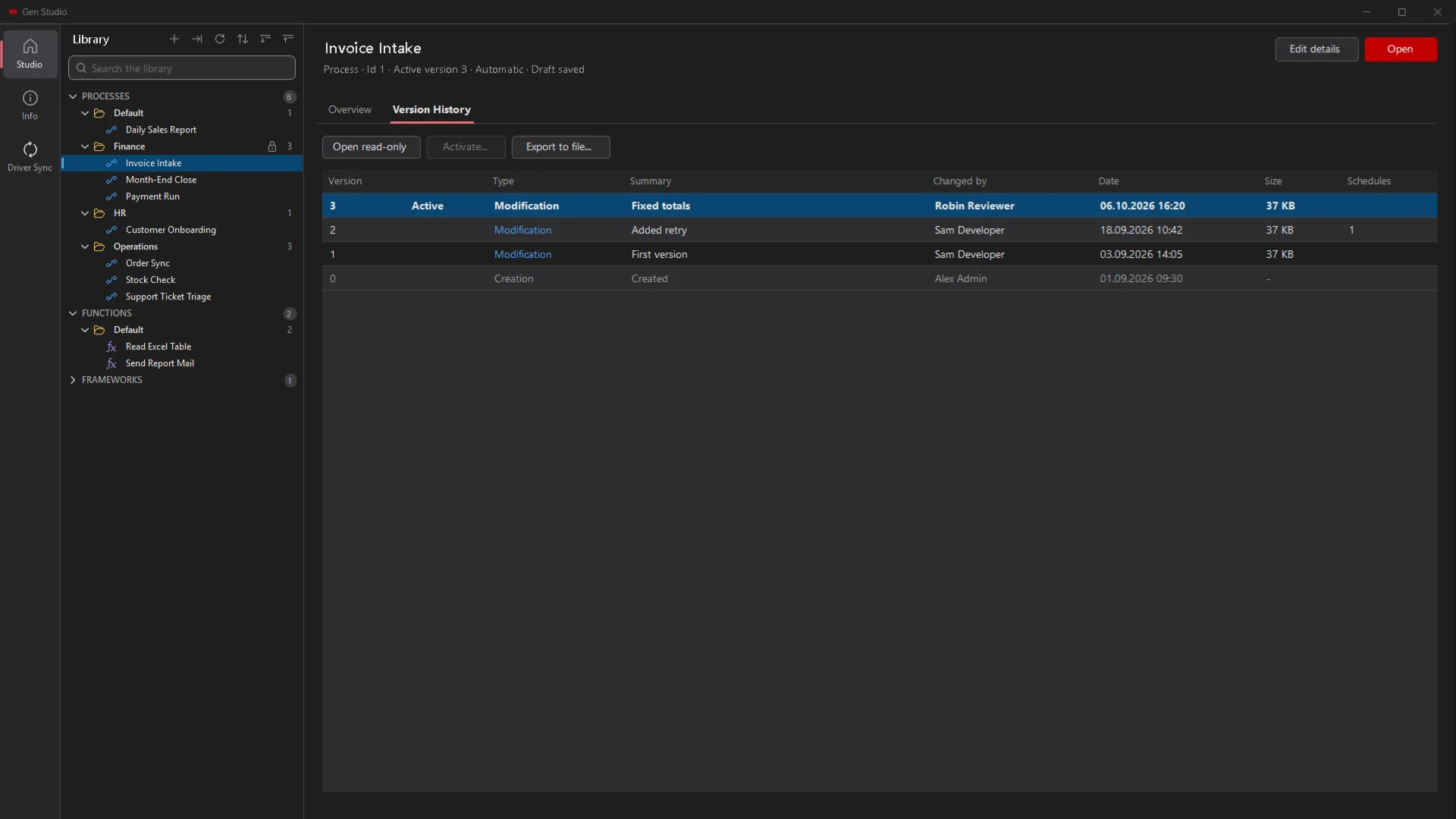
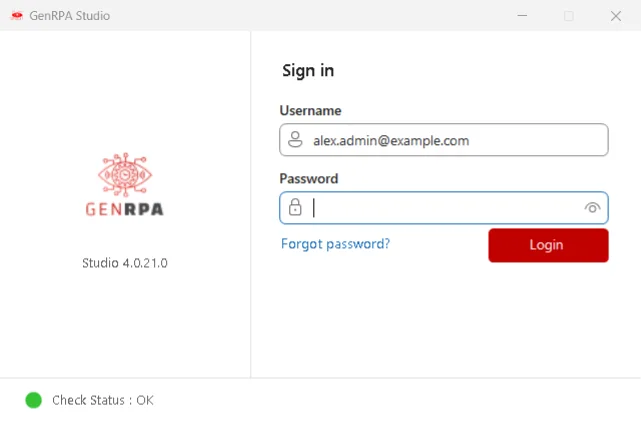
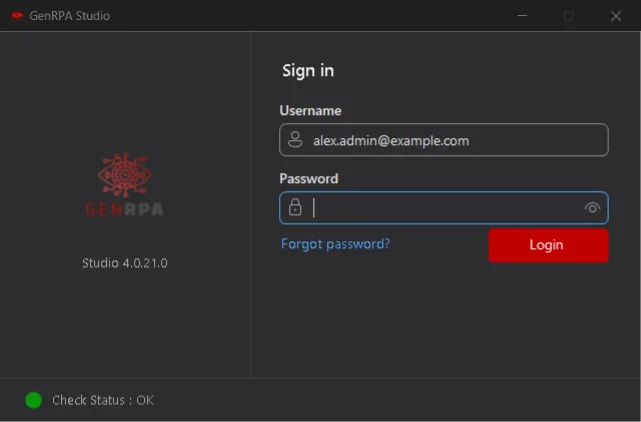
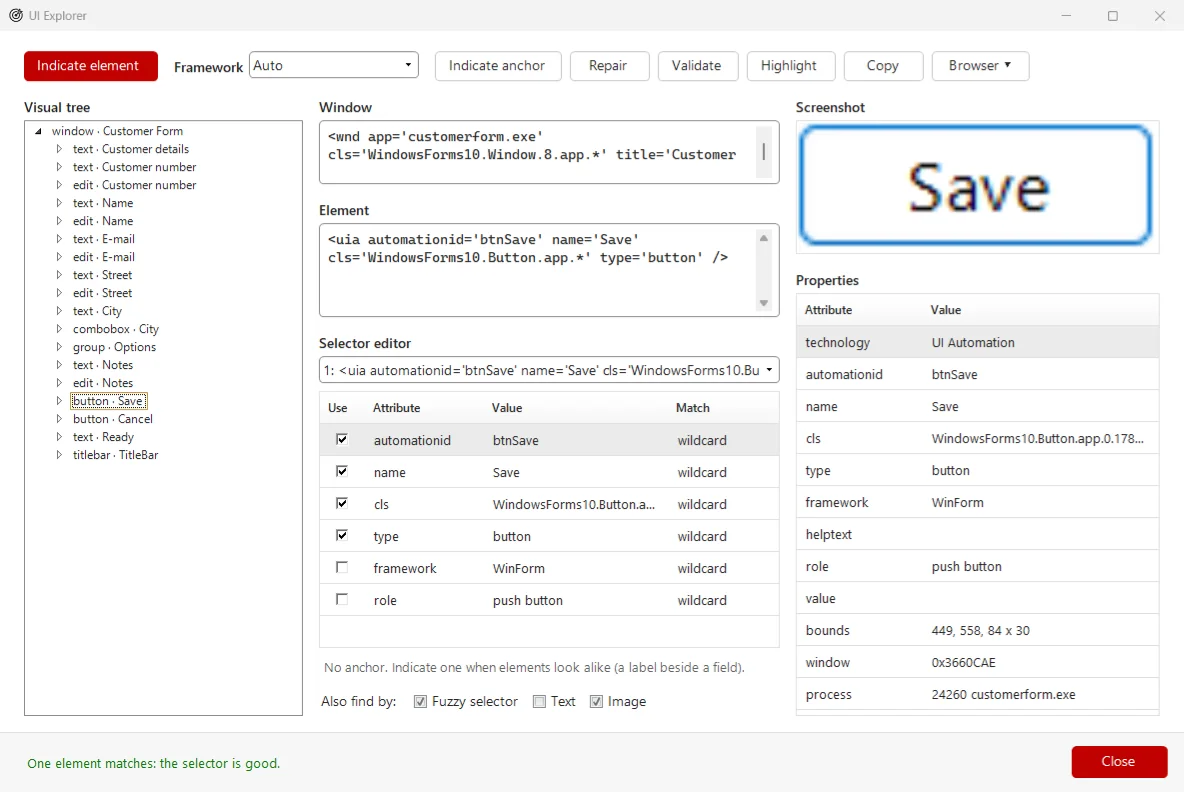
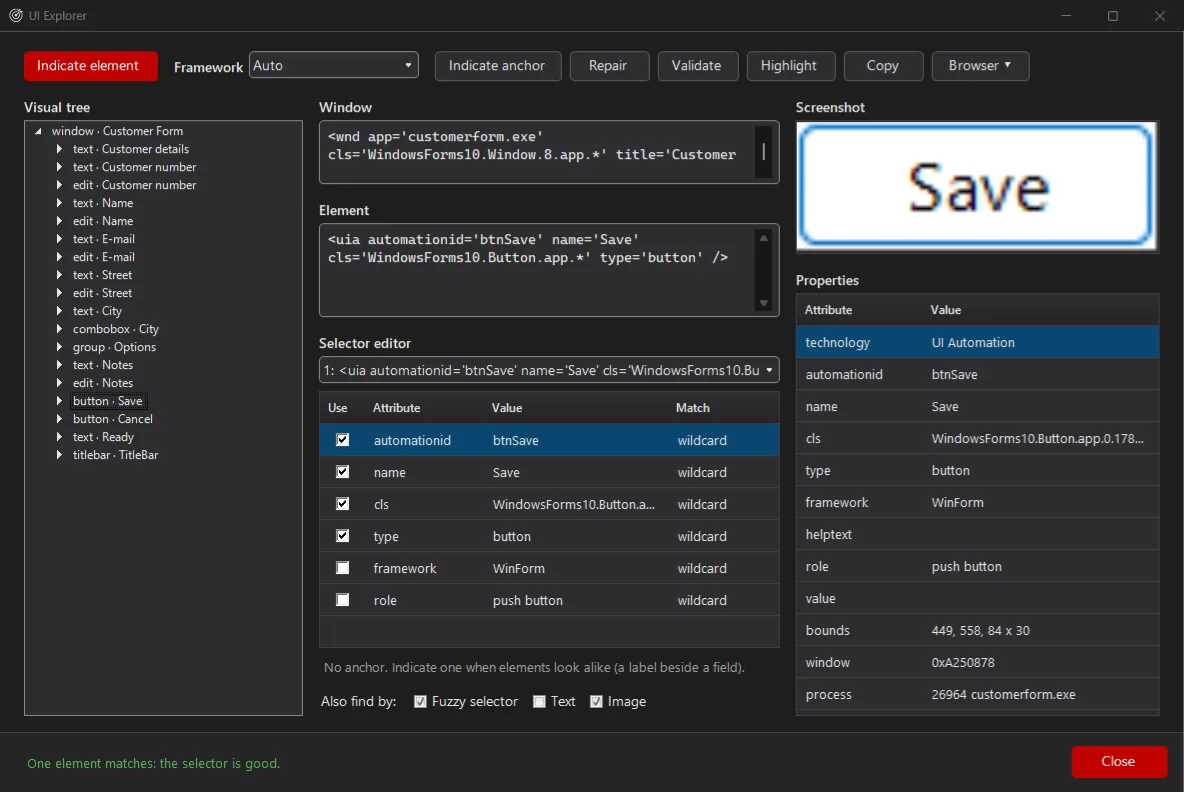
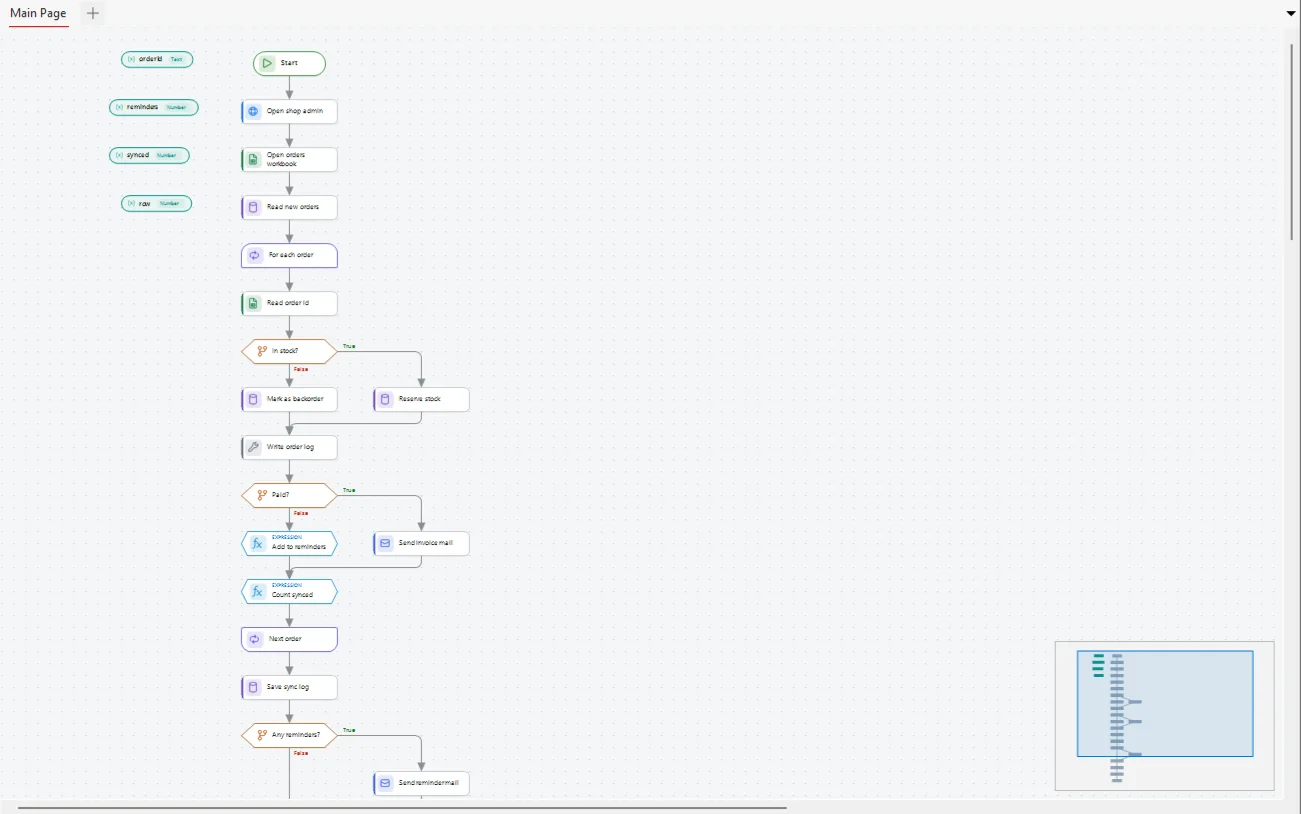
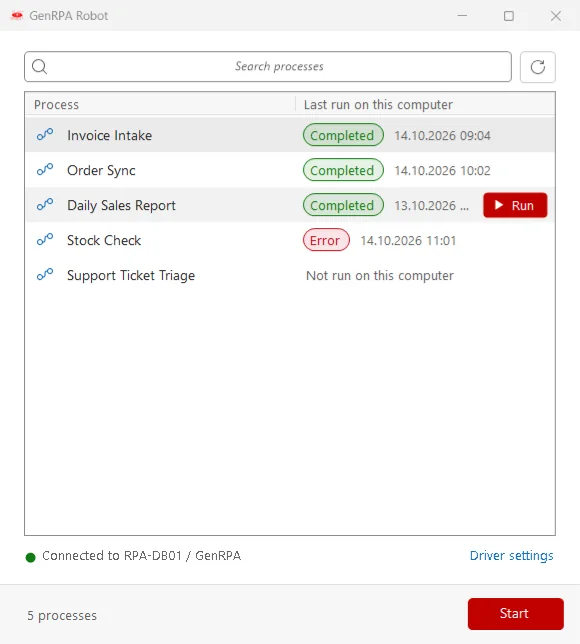
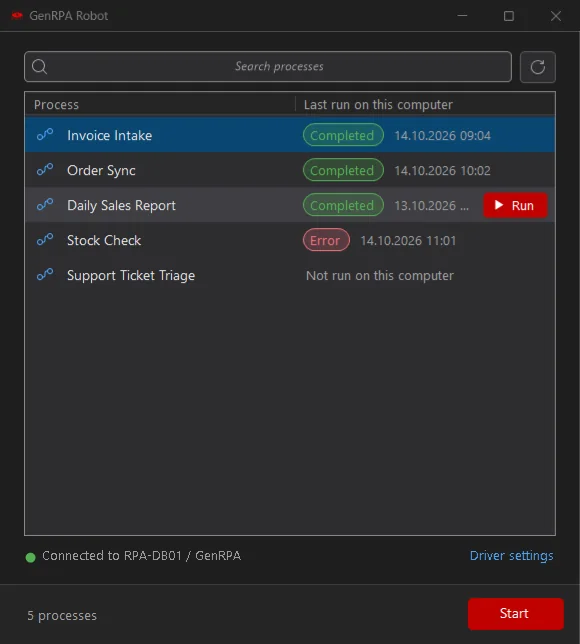
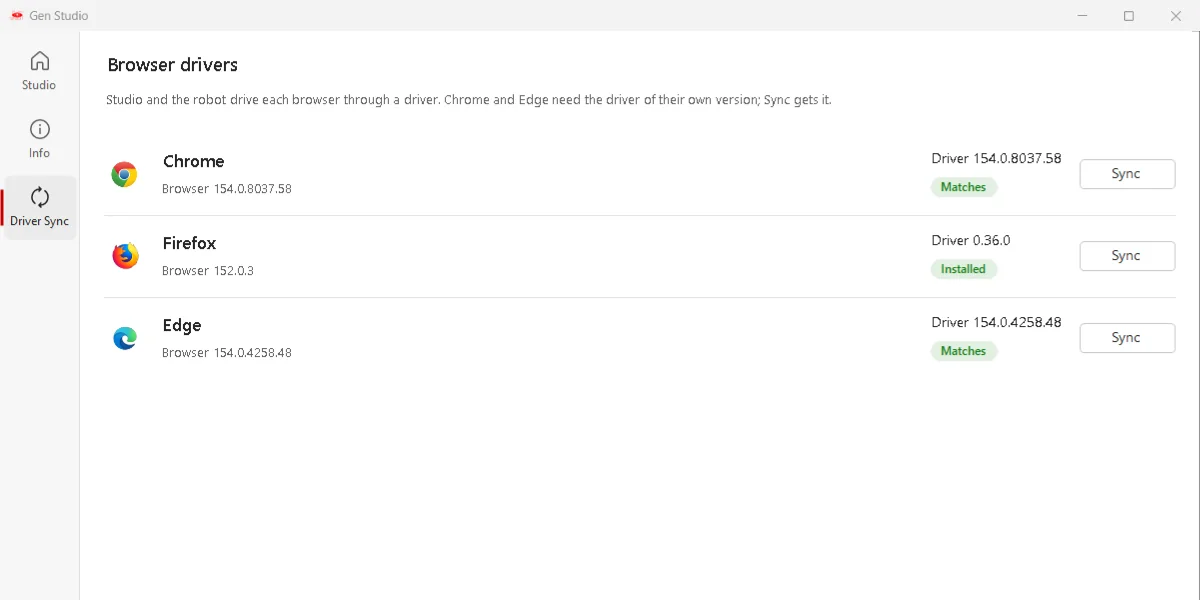
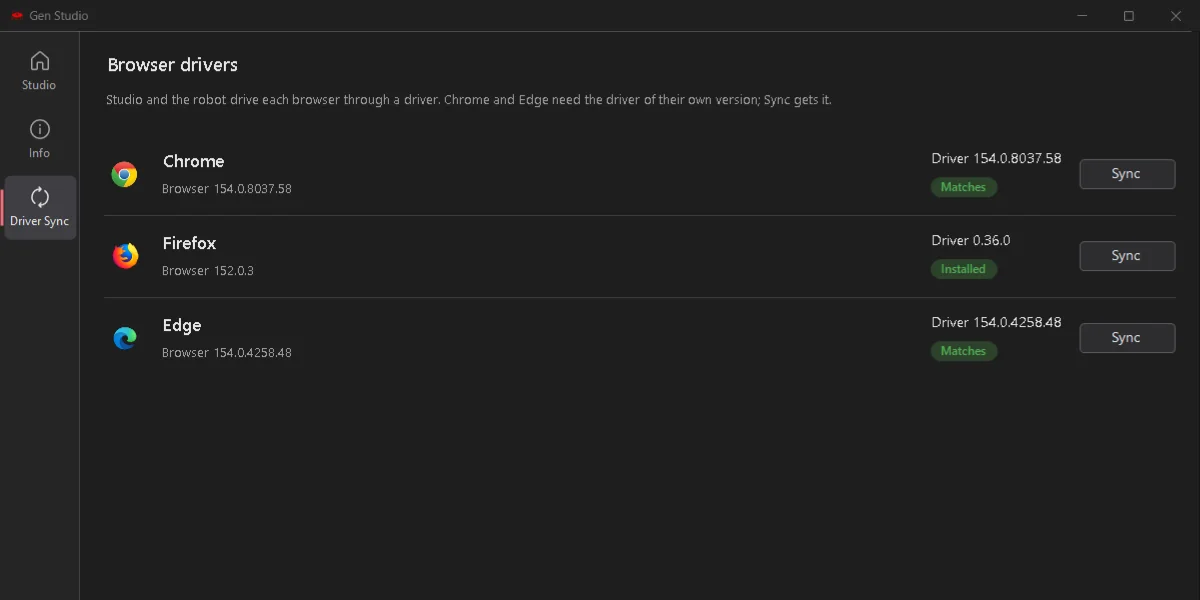
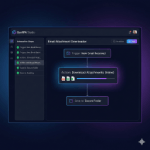
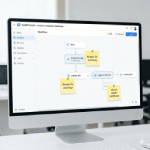
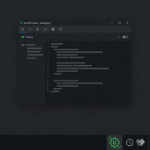
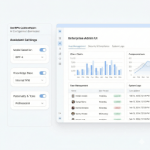
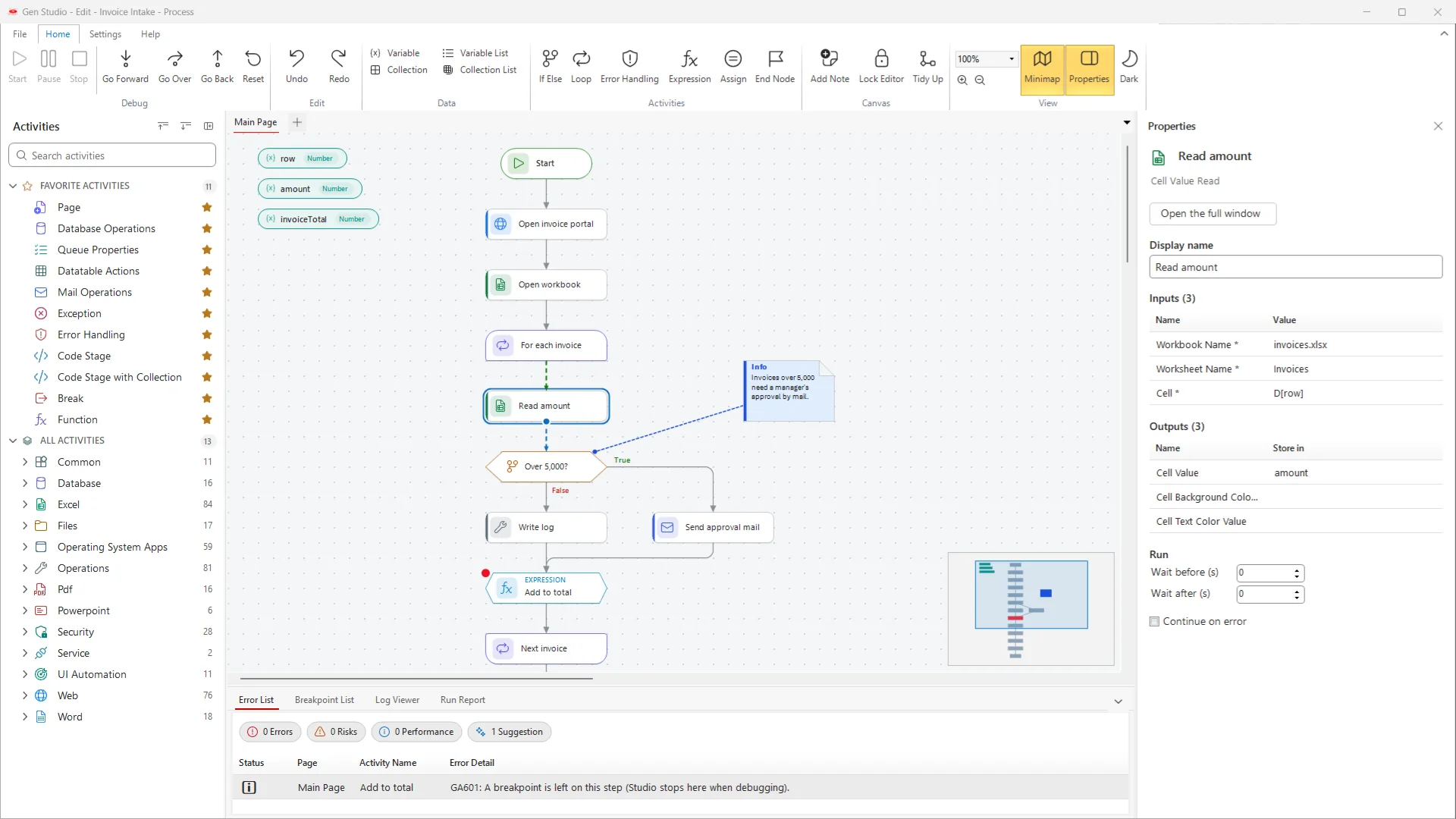
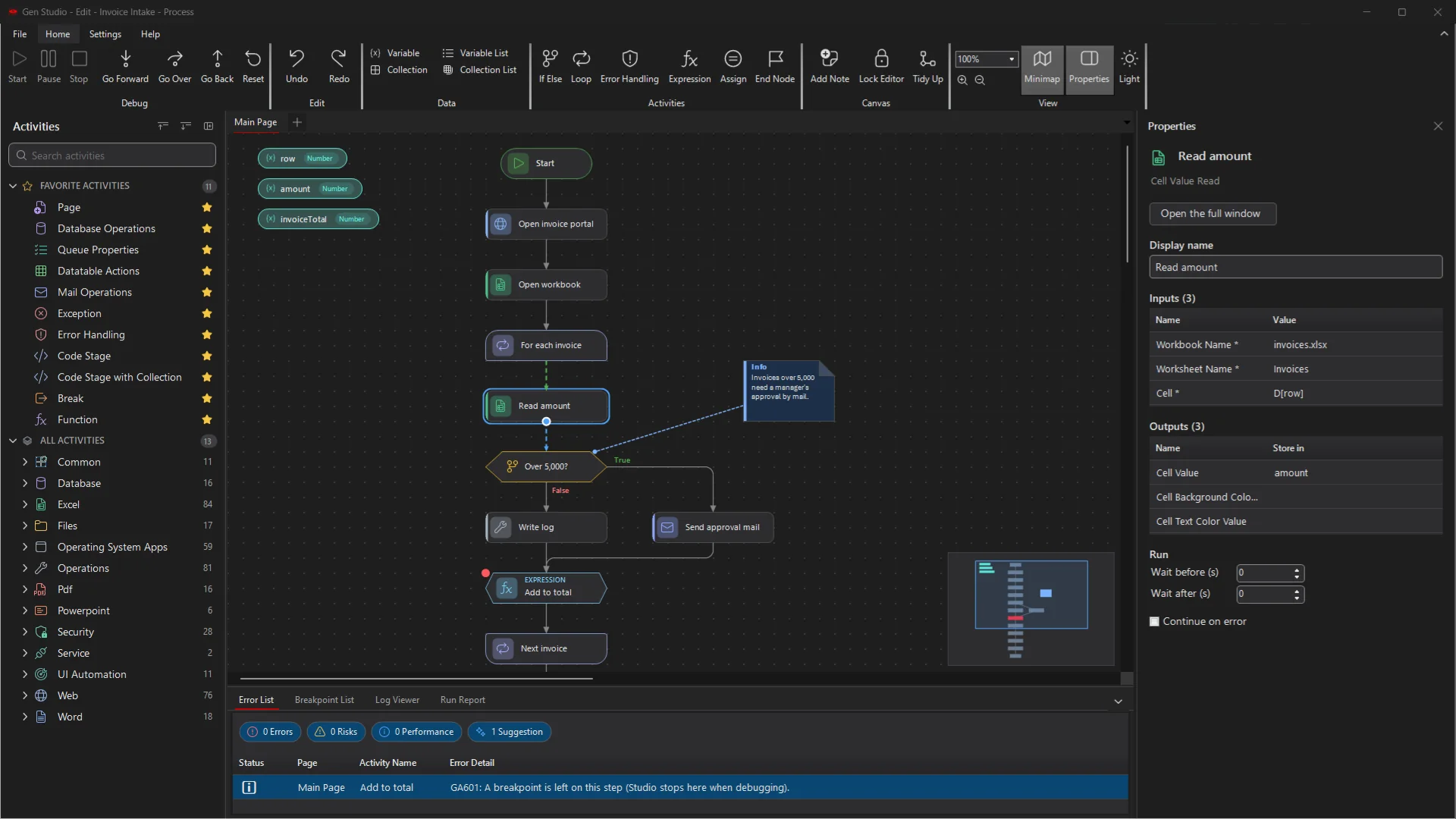
A new GenStudio, in light and dark
GenStudio was redesigned from the ground up: cleaner, quicker to find things in, and comfortable for long design sessions.
What we did
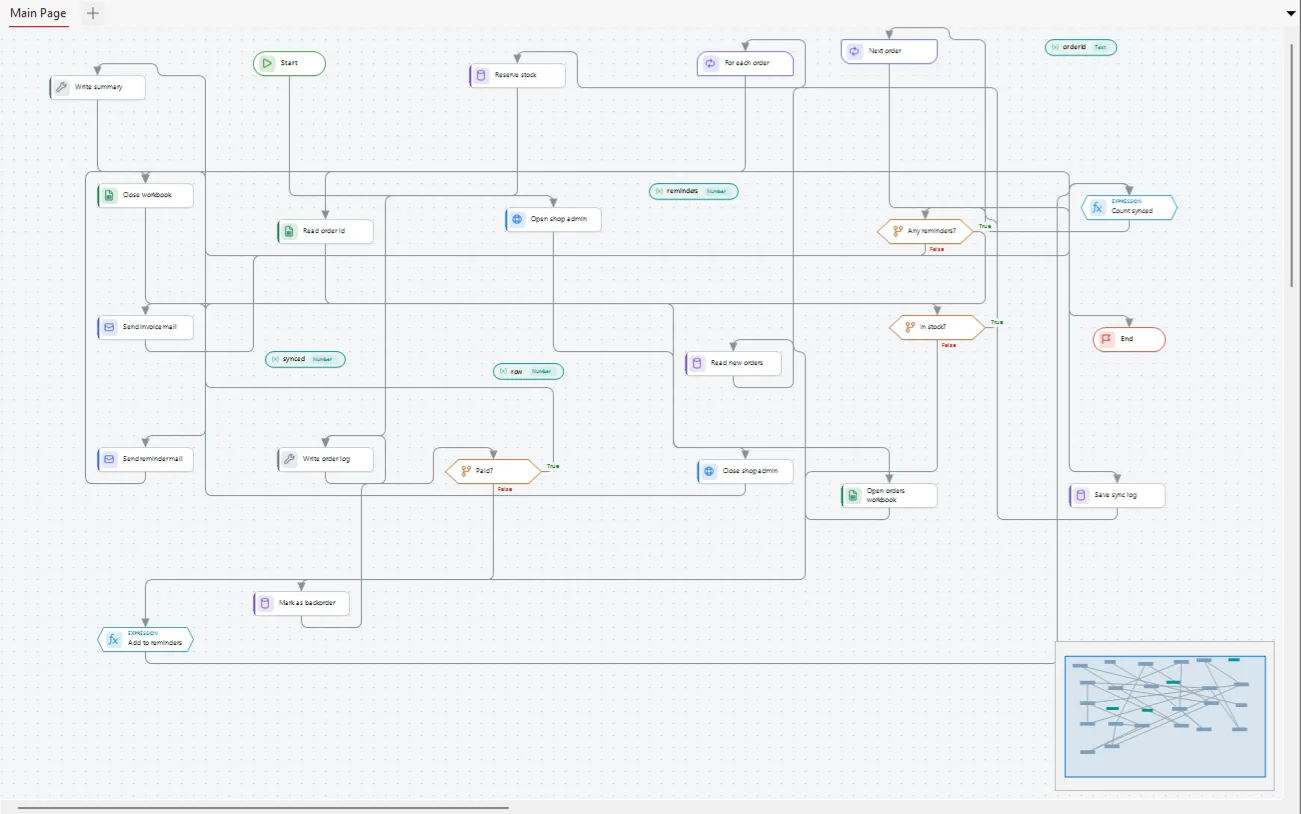
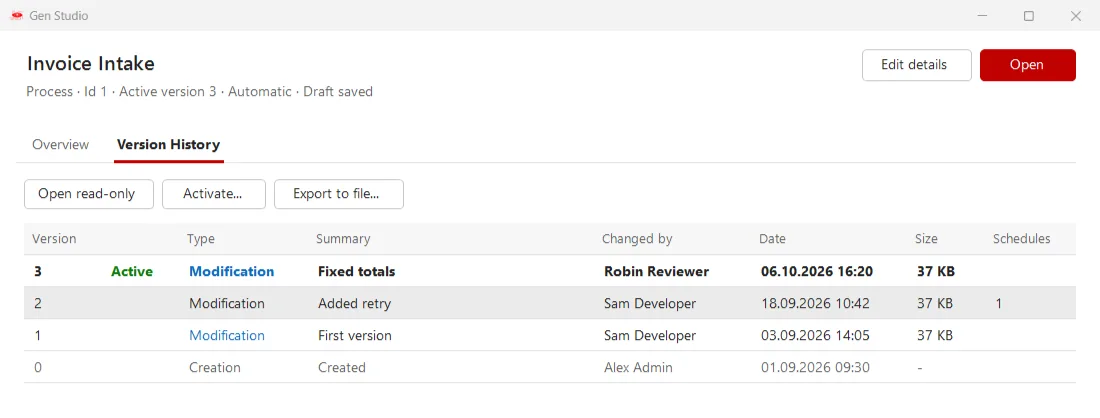
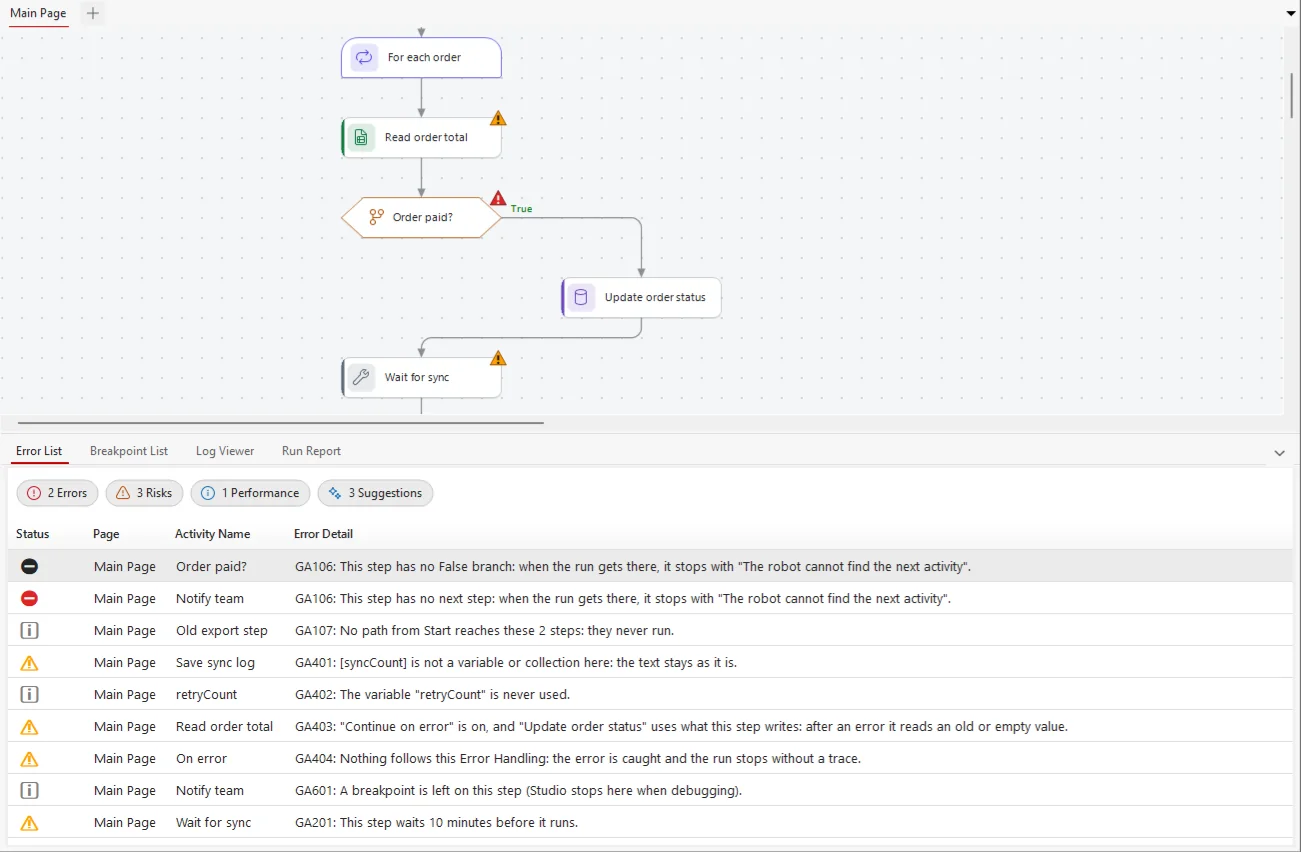
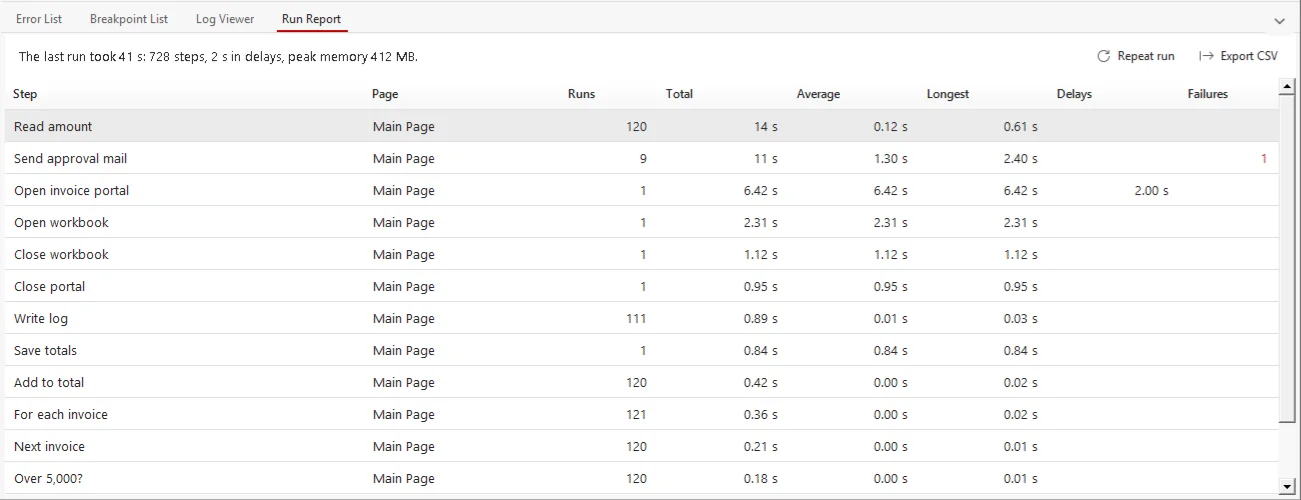
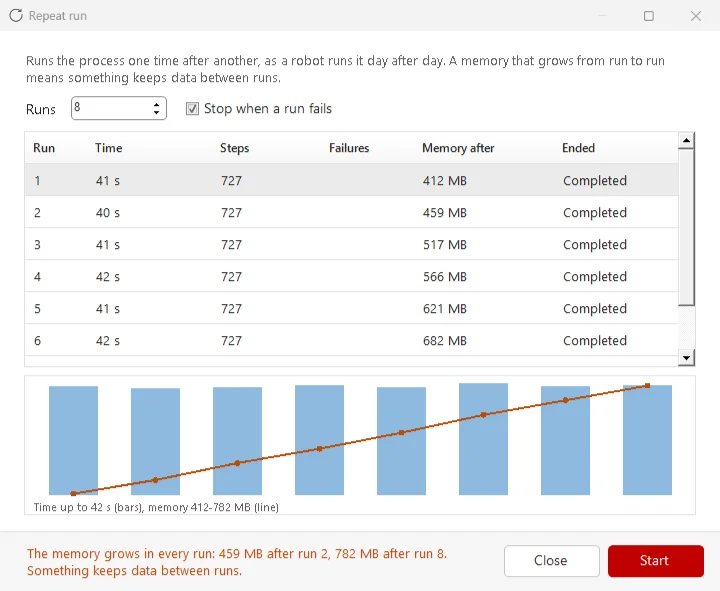
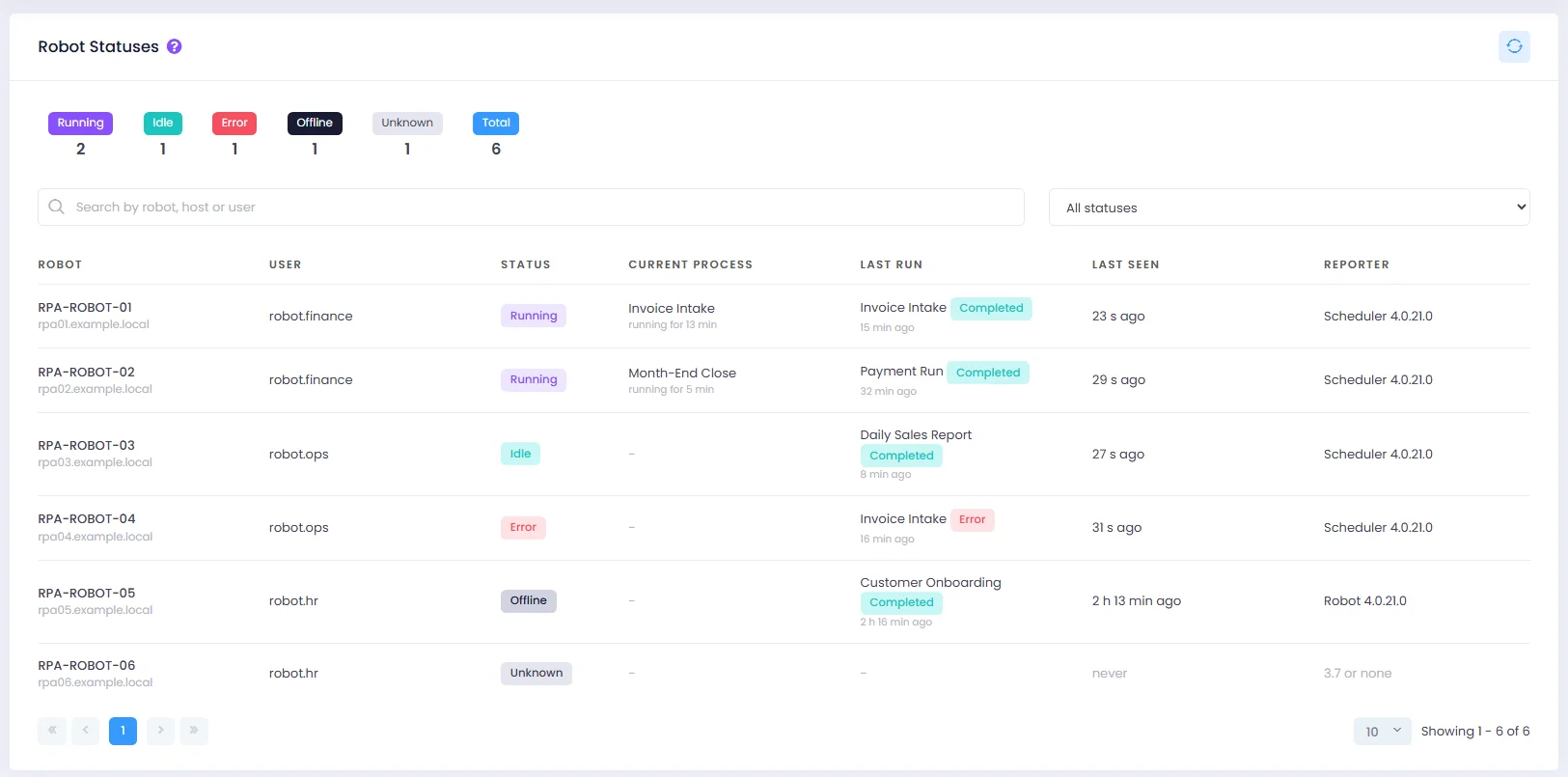
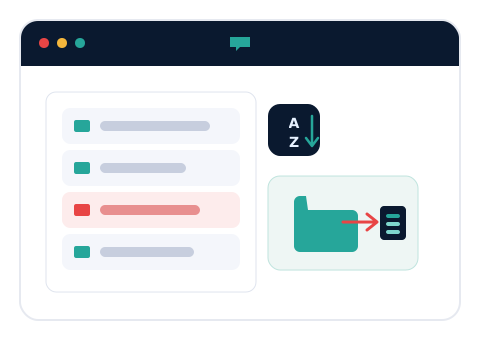
We rebuilt the GenStudio shell: a new start screen with a navigation rail and a searchable process library, a ribbon regrouped into Debug, Edit, Data, Activities, Canvas and View, an activity panel with favourites, recent items and counts, and one consistent set of icons. A new dark palette also colours the window frame, tabs and scroll bars, and every dialog follows the same design, with status shown in the window instead of pop-up boxes.
What's in it for you?
- A clean, modern workspace that is easy to read in light or dark.
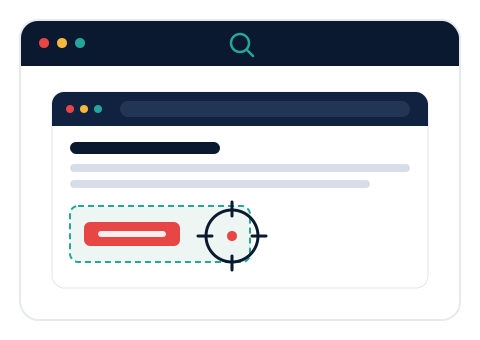
- Find what you need faster: search the library and the activity panel, pin favourites, reopen recent items.
- The ribbon and panels fit every screen, from 1024 x 768 servers to 4K monitors.
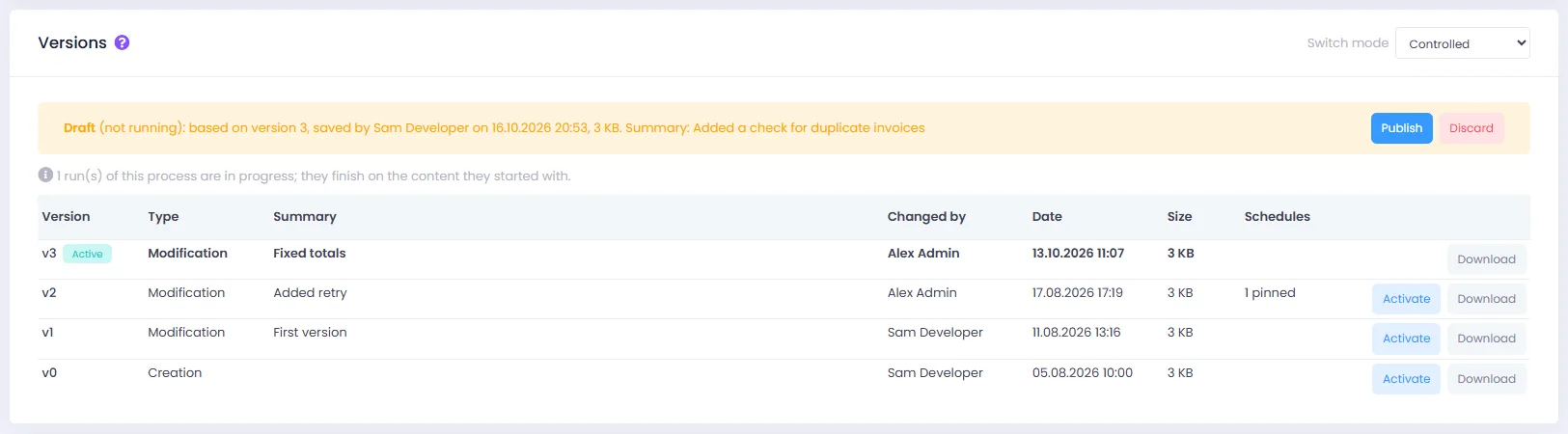
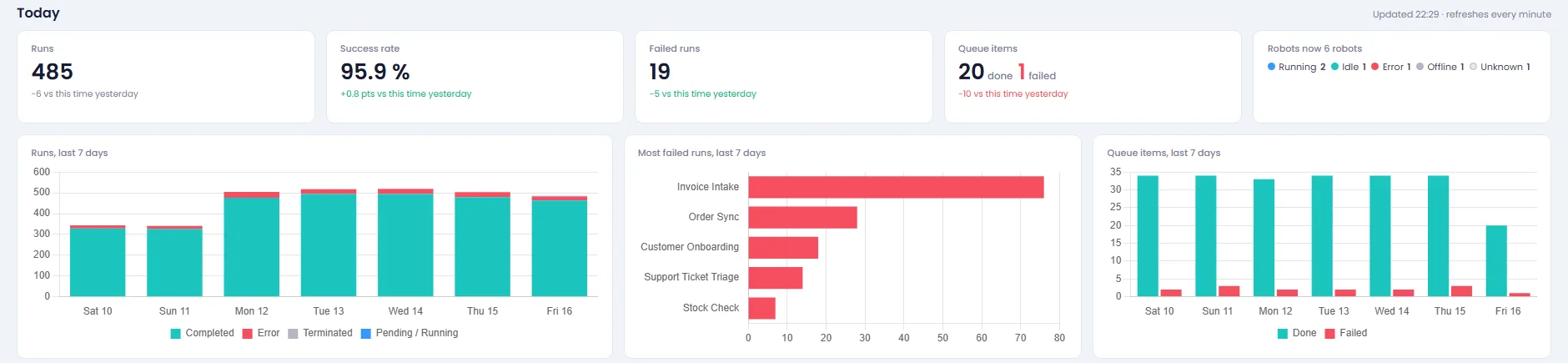
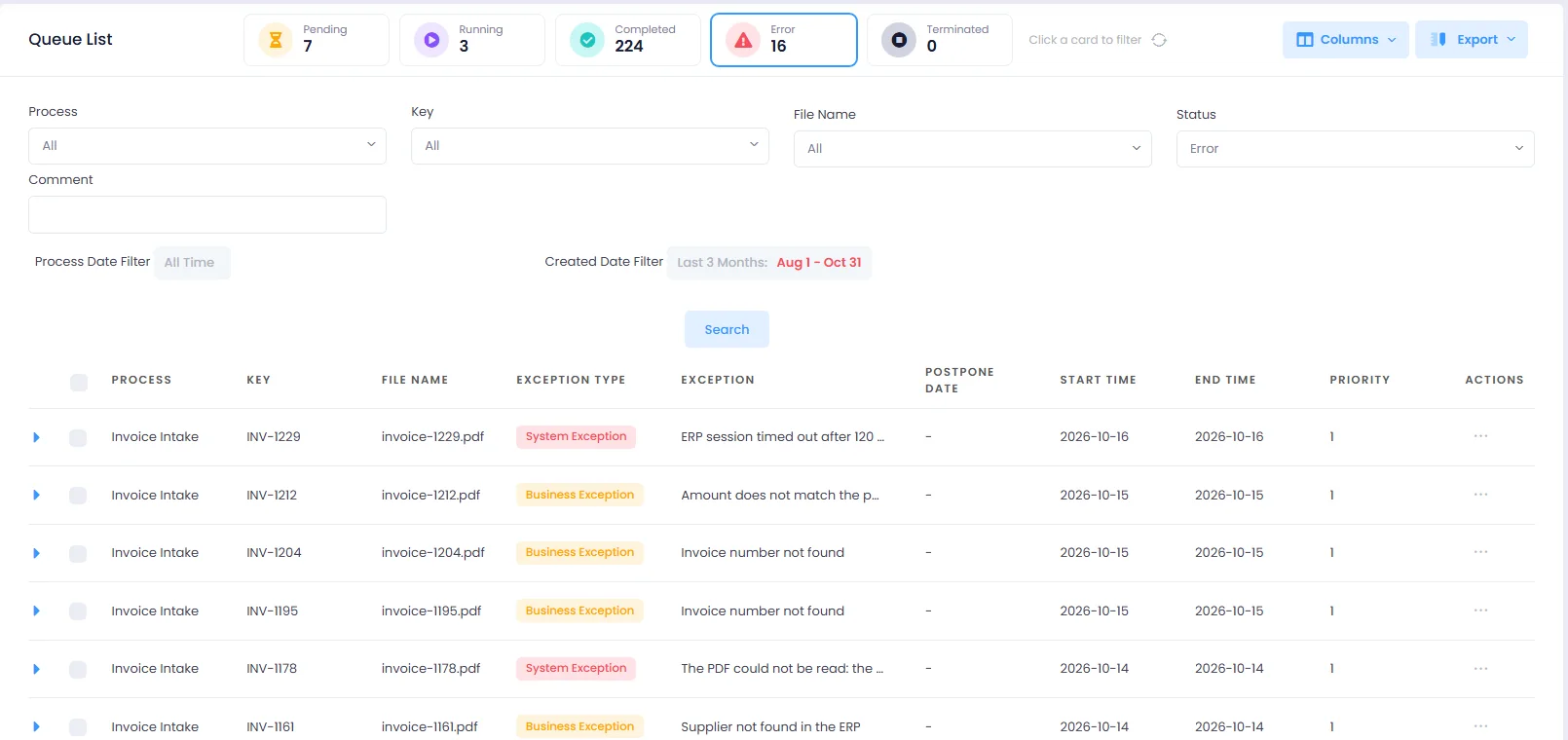
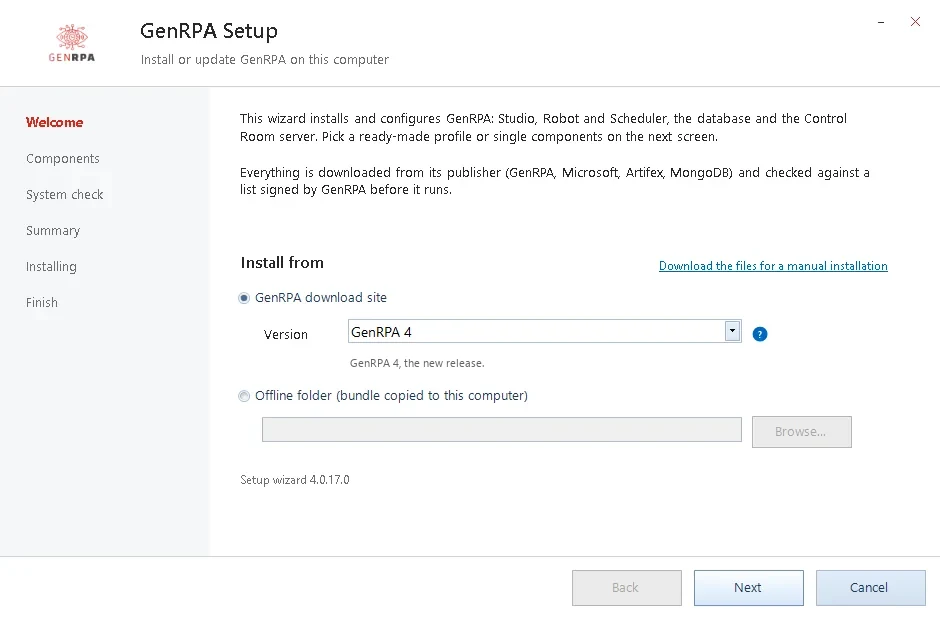
- One look across GenStudio, GenBot, the Scheduler and the sign-in screen.